This article contains ads and affiliate links and is a member of the Amazon Services LLC Associates Program. If you purchase using one of the links, we may receive compensation at no extra cost to you. More about it in the Disclosure Policy.
If you’re a content creator and run a blog, there are certain tools and resources you definitely need.
With so many options available, finding the right blogging tools isn’t easy. After ten years+ of blogging and managing online businesses, here are the tools I can’t live without:
Contents
Best Blog Tools
What tools do you need to blog? To start, there are some tools you will definitely need.
Others are optional, and you can invest in them later.
1. Blog Hosting Platforms
When I started with my blog, I used Hostgator. I switched to SiteGround, and my page speed increased, plus they have a great support team. But a downside is that they increase their prices regularly.
So I switched to Lyricalhost. The pricing is affordable, they don’t increase their prices, the site speed is great, and they have amazing customer support.
If you want to check out LyricalHost, you can use the code CHRISTINA10 at checkout. It gives you a 10% off.
2. Theme for the Website (Blog)
I started with a free theme. Since then, I bought themes because you can customize them to your liking, which is one thing, you will definitely want to do. I really liked the Divi Theme, but I changed to a faster theme.
CitySeaCountry runs on GeneratePress. It’s easy to use and it doesn’t slow your site down like other themes do.
3. Email Provider
To create opt-in pages (lead pages) and to be able to send out newsletters with lots of value, I use GetResponse as an email provider service.
4. Blogger Graphic Design Tools
To create my graphics for my blog and social media, I use Canva, as well as Desygner. They’re both easy to work with, including many templates, photos, and design elements to choose from. Both come with a free version or as a paid version.
5. Being Organized
I use Trello to organize my whole businesses: you can use it on your phone and on your laptop or PC, and it synchronizes itself between the devices. The free version is enough to run even a big business. I love it to create my content plan.
6. Creating Ebooks in 2 minutes
I love this tool because I can create ebooks from blog posts in about 2 minutes. It’s freaking amazing. My secret tool is Designrr. It is perfect for my long posts like How To Start A Travel Blog. You can download it and follow along the steps.
This tool also helps me to create ebooks in PDF, Kindle, iBooks (epub) and HTML by uploading a text or even a pdf I created. It’s also possible to use it as a flipboard and you can create book covers.
7. SEO Tool For Ranking On Search Engines Like Google
One of the best tools ever is Keysearch.
It helps to find keywords, people are actually searching for.
Keysearch shows you the monthly search volume, how competitive a keyword is, and all the related keywords.
If there is one tool you want to invest in, go for Keysearch.
It takes out all the guesswork and helps readers find your content.
More readers = more money.
Another tool I can’t live without is Neuronwriter.
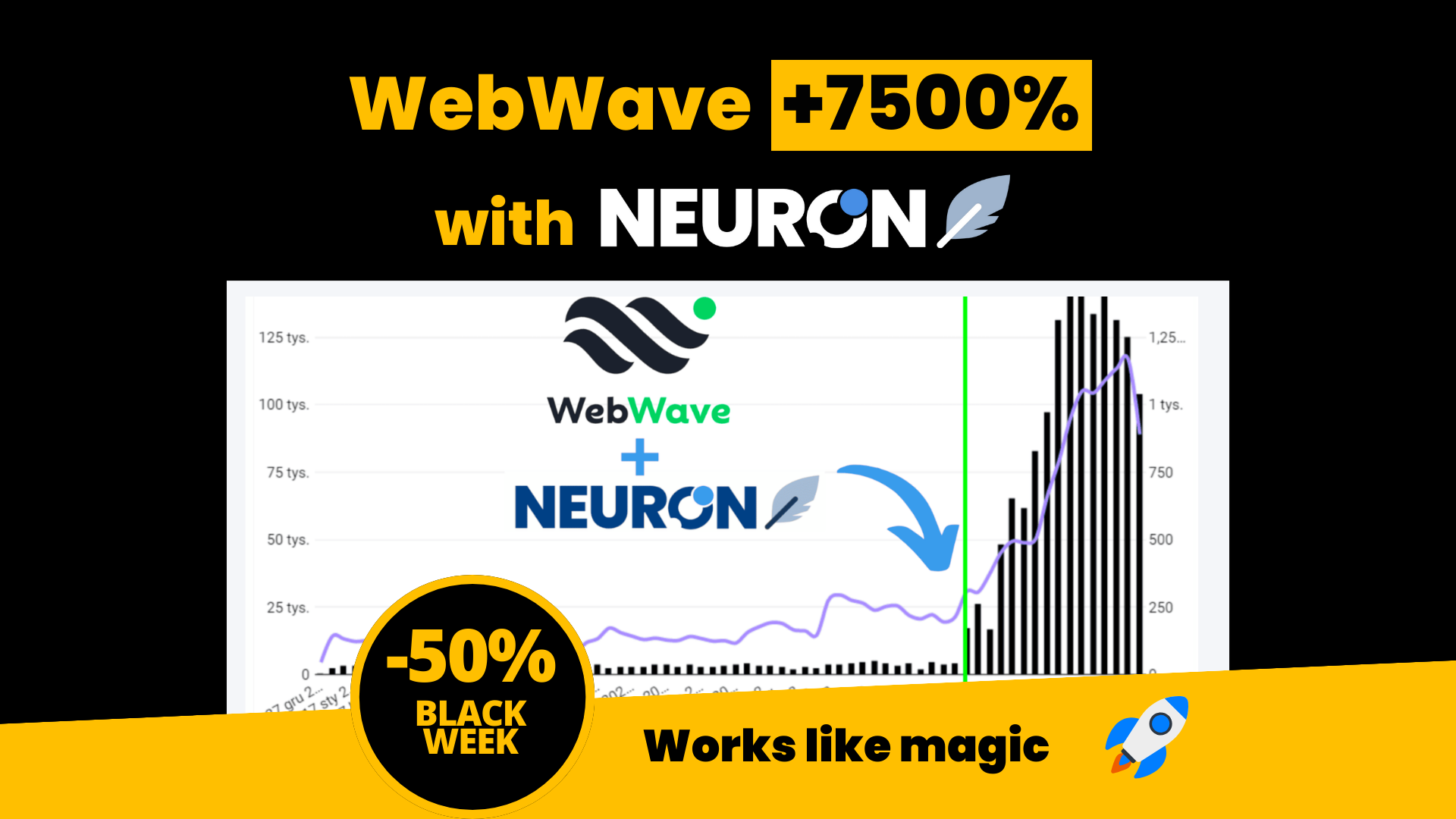
I use Neuronwriter for every article before I publish it. It helps me to see if there are certain keywords I need to include, if the headings are optimized, and helps me to see what my competitors are doing.
8. Social Media: Pinterest
Pinterest is by far my favorite platform. It is not really a social platform. Pinterest is a visual search engine, and besides traffic from Google, it is the best and easiest way to get traffic from Pinterest.
If you want to learn about Pinterest marketing, check out my Master Pinterest In 1 Day. It’s the only resource you need to get views, clicks, and traffic to your blog.
To schedule Pins to Pinterest I love the native Pinterest scheduler and Tailwind. It’s one of the only official apps/platform, you can use to schedule pins. If you want to give it a free try, you can use this link to test Tailwind.
9. Earn money from Ad Displays with Ezoic
Ezoic is a Google certified Publishing Partner where you can sign up for free and make money via ads. If you are currently on AdSense you might want to consider to change to Ezoic because the earnings are higher.
I’m very happy with them. You can start opening your free account right away. For another site of mine (italythingstodo.com), I use Mediavine as an ad partner.
10. Make money with affiliate links (promote companies and earn a commission)
The best and easiest way to make money with a blog is by including affiliate links. You sign up for a partner program, use your specific link, and every time a reader buys via this link you earn a commission.
If this sounds overwhelming, I can highly recommend you signing up with italythingstodo.com. You sign up once (for free) and you can promote brands like Booking, Agoda, TripAdvisor, RentalCars, Viator, GetYourGuide, among many other tour and ticket companies.
For accommodations, my favorite affiliate partner program is Stay22. Since I signed up with them my affiliate revenue for hotel and accommodation bookings went up by 5 times in the first month. You can read my full review about it here: Stay22 review
When you sign up through my Stay22 link, you will receive $100 after you make 100 bookings through the platform.
Another amazing platform for all kinds of affiliate programs including travel insurance, eSIM cards, transfers, trains, buses, hotels, is Travelpayouts.
One of my other favorite programs is Discovercars, because you receive a high commission for promoting rental cars.
All of them are free to join, and you can start making passive money right away.
11. Wise – Receive and Send Money Internationally
To receive money from my various Amazon Associates (partner) accounts, from Ezoic, and other affiliate platforms, I opened a free account with Wise (formerly known as Transferwise). What is amazing about it is that they have no fees like PayPal, and their currency exchange rates are a lot better than anywhere else.
You can check out Wise here. Highly recommended for receiving and sending money.
Want to learn more about blogging and running a business? ∇
READ MORE:
HOW TO START A TRAVEL BLOG FROM SCRATCH – A STEP BY STEP GUIDE
HOW TO START A TRAVEL BLOG AND MAKE MONEY
BEST CAMERA FOR BLOGGING (AND VLOGGING) GUIDE
HOW TO WORK FROM ANYWHERE IN THE WORLD: THE ULTIMATE FREEDOM LAPTOP LIFESTYLE
zuletzt aktualisiert am November 25, 2025